Home / Lifestyle / Health & Fitness / Article /
How to use the navigation system on your Android phone offline
Updated On: 14 October, 2015 08:20 AM IST | | Hassan M Kamal
As part of our series on smartphone usage, this week, we look at how to work around navigation systems on Android smartphones, including navigating without using your data connection





MAP
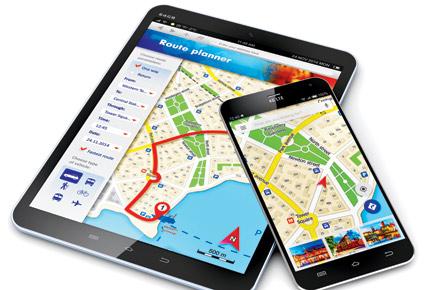
 Smartphones have made navigating simpler and easier. You no longer have to carry standalone GPS units while travelling. However, most built-in navigation apps, notably Google Maps in Android and Apple Maps in iOS, require an active data connection to function, as unlike traditional GPS devices, they download map on the fly. Google allows you to download maps up to 50kmx50km, which works within the city, but if you’re out of the country, on a roaming network, or on the city’s outskirts for a day-long trip, you might have to incur heavy data charges for usage. Thankfully, there are solutions to avoid data dependency while using map-based navigation systems. Here’s how:
Trending Stories
Latest Photos
Latest Videos
Latest Web Stories
ADVERTISEMENT
Mid-Day Fast
ADVERTISEMENT