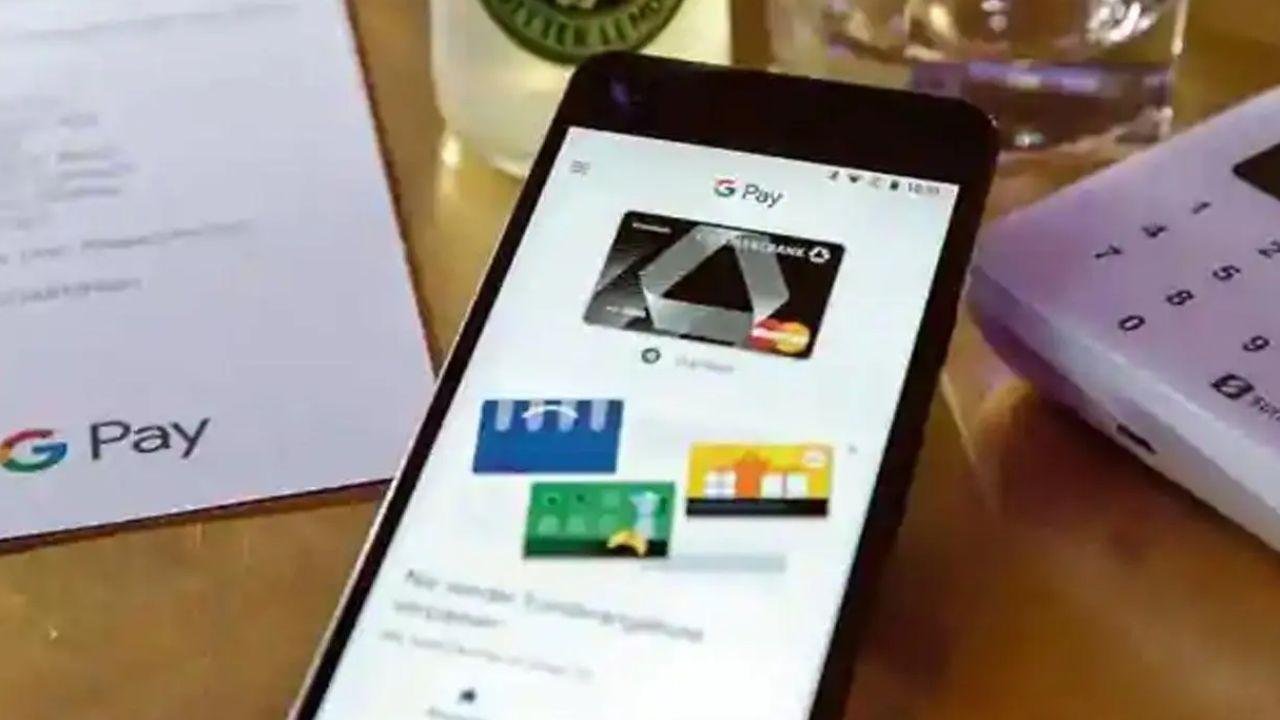
Google Pay has introduced its new “Pocket Money” feature, enabling parents to safely manage their children’s digital spending. Built on UPI Circle, the feature allows controlled transactions, spending limits, approval-based payments, and real-time tracking without requiring kids to have a bank account

Representational image. File pic
Google Pay (GPay) has introduced its new “Pocket Money” feature to provide your kids with safer and more monitorable financial transactions. Built on the basis of a digital payments framework, the latest feature of Google Pay enables a primary user, typically a parent, to link their bank account and assign a secondary user, such as a child, who can make UPI payments within predefined limits.
The "Pocket Money” feature eliminates the need for children to have their own bank accounts while still giving them access to India’s rapidly growing digital payments ecosystem through which they can make and accept payments hassle-free.
How does “Pocket Money” work?
This feature from GPay has been built on a payment-based platform called UPI Circle. With the help of this feature, a primary user (parent) can link their account to a secondary user (child/teen), who can make payments using the primary account. This allows the parent to keep a check on the transactions while also granting their children a sense of financial moral responsibility.
Key features
While the latest integration to Google Pay’s interface remains one of the first across all online payment applications, it offers the following features:
Set spending limit: The primary account can set a monthly cap of up to around Rs 15,000 for the secondary account.
Approval mode: The primary account holder will have to approve every payment initiated by the secondary account before making the transaction.
Real-time tracking: Parents can see all transactions instantly on their application.
Pause anytime: Access can be stopped whenever needed.
What do you need to set up Pocket Money on UPI Circle?
To be a primary user, you must have an active bank account on Google Pay. As per Google Pay, a user can add a maximum of 5 secondary users. However, to add a secondary user to your UPI circle, the user must ensure the following points:
- The secondary account’s GPay number should be saved in the contacts.
- The primary account must have the Google Pay app registered with their phone number linked to the bank account.
- The primary account should have a UPI ID or a UPI Circle QR.
How to set up pocket money on UPI Circle
To set up pocket money, follow the points mentioned below:
- On your mobile device, open the Google Pay app.
- Go to Profile and then click UPI Circle.
- Set up pocket money on UPI Circle.
- Search the secondary user’s name or phone number.
- Select their contact
- Scan the selected contact’s UPI Circle QR code.
- Set up approval settings.
Viral ‘Google Pay Pocket Money’ scare debunked
A viral social media claim warning users about a “Pocket Money” button in Google Pay that could wipe out bank balances is completely false and misleading.
However, there is no such feature or threat associated with the application’s interface that can automatically drain money from a user’s account. These rumours being spread across WhatsApp and X appear to be baseless, circulated to create panic among users.
Subscribe today by clicking the link and stay updated with the latest news!" Click here!