shot-button
Home > Buzz > Trending Photo Edits to Try with Adobe Lightroom

Trending Photo Edits to Try with Adobe Lightroom

Updated on: 17 February,2026 06:06 PM IST  |  Mumbai
Buzz | faizan.farooqui@mid-day.com

Discover trending Lightroom photo edits and easy slider tweaks to elevate portraits, travel, and Instagram shots.

 Trending Photo Edits to Try with Adobe Lightroom

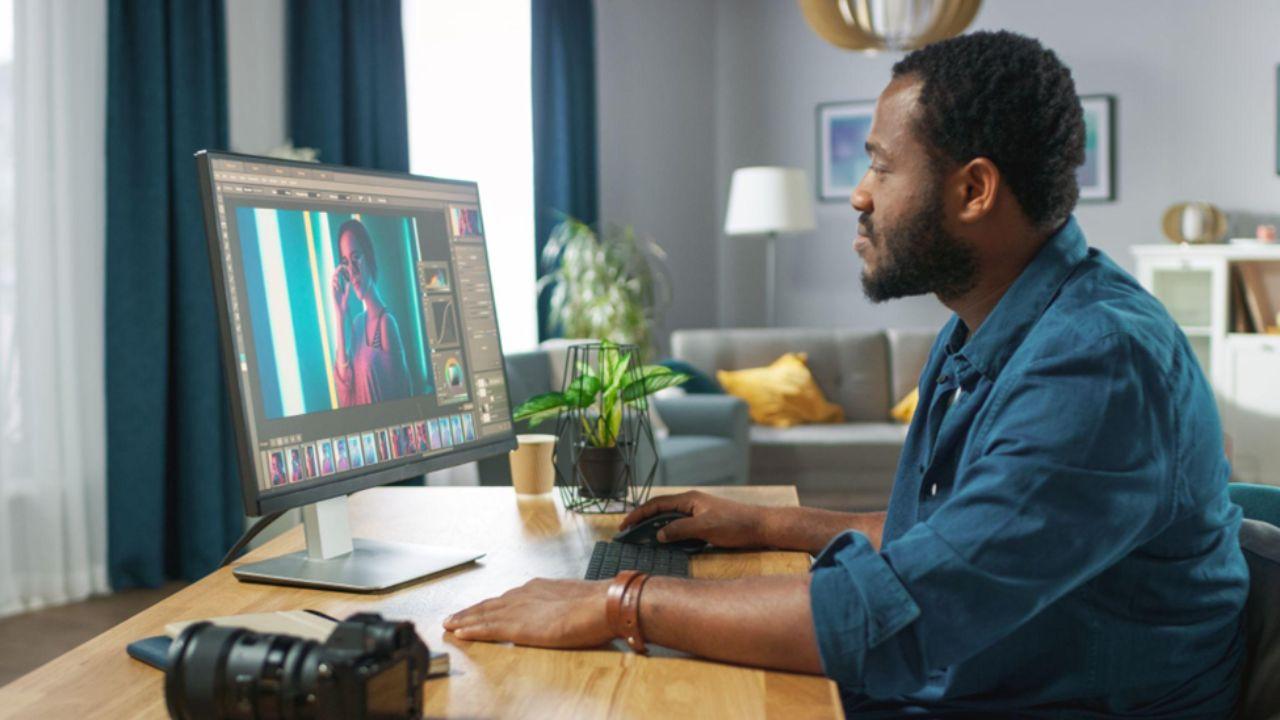
Adobe Lightroom edits

Photo trends come and go. One week it’s all warm and moody filters. The next everybody is sharing bright, airy, pastel feed visions. If you’re someone who shoots regularly it can be hard to keep up with it all - let alone creatively experiment past chucking the same preset on every photo. 

That’s why we’ve put together this list of trendy photo edits that you can use to level up your photography game. With only a few easy sliders in Adobe Lightroom, you can change the entire feel of your images. Whether you’re editing travel photography, portraits, food pics, or Instagram moments, Lightroom has you covered with powerful edits that don’t intimidate or overwhelm.

Scroll down for a list of trendy edits to try on your photos right now, as well as an explanation of what Adobe Lightroom is capable of. Consider this your guide to switching up your style, playing around with new looks, and keeping your photos fresh, curated, and 100% you.


What Is Adobe Lightroom

Adobe Lightroom is image-editing software that allows users to edit their photos quickly and efficiently. Students can take advantage of the student discount for Adobe Lightroom to access professional-grade tools without the high cost. Which makes playing around so much more affordable while you learn different styles and figure out what your signature style is.

Whether you need to fix exposure and colour, or you want to apply fun filters to your photos Lightroom has all the tools you need to create professional quality images. Lightroom can help you edit your pictures for school assignments or to make your Instagram photos pop. 

Top Trending Photo Edits

Here are some of the photo edits people can’t get enough of at the moment, and how you can try them yourself.

Soft Film Look with Faded Tones

That slightly faded, cinematic look has been a favourite for some time now and we don’t see it going anywhere anytime soon. So, how do you achieve that in Lightroom? It usually involves lifting the blacks up in the tone curve, lowering contrast, and desaturating the overall image. 

After all, it’s one of the easiest ways to add a touch of nostalgia or softness into your shots. Think muted blacks, gentle contrast and colours that don’t scream at you. You can also warm up the temperature just a little to get that cosy feel. It’s a small detail, but it has a huge impact.

Key benefits:

  • Adds a nostalgic, cinematic feel without heavy editing.
  • Softens harsh contrasts for a more visually pleasing image.
  • Enhances mood and atmosphere subtly, making photos feel timeless.

Dark and Moody Instagram Aesthetic

Scroll through Instagram for just a few minutes and you’ll come across no shortage of dark and moody shots. Blacks are deeper, shadows feel richer and colours are slightly muted. This style has been the “in thing” for a while now, and the good news is it’s a lot easier to achieve than you’d think. 

In Lightroom, start by lowering exposure and pulling down highlights. Punch up the contrast, deepen blacks and desaturate colours slightly so that nothing feels too loud. Next, warm up skin tones while keeping backgrounds cooler for contrast. 

The aim isn’t to make photos look gloomy, it’s more about helping them feel intentional and atmospheric. This style works exceptionally well for street photography, night shots, or even product flat lays. 

Key benefits:

  • Creates intentional, atmospheric photos that stand out on social feeds.
  • Enhances depth and contrast for richer, more dramatic visuals.
  • Works across genres like street photography, night shots, and flat lays.

Bright and Airy Lifestyle Edits

If dark and moody is the Yin, consider the bright and airy aesthetic the Yan of photo editing. These photos feel clean, light and optimistic, almost like everything was shot on the perfect sunny day. This style of editing is perfect for wedding shots, lifestyle and social media. 

To achieve this look, start by increasing exposure and softening shadows. Pull the highlights back a touch so that you’re not losing out on any details in the sky or skin. Then reduce heavy contrast so the image feels gentle rather than punchy. A slight boost to whites and a touch of warmth usually helps too.

You can also use these edits for indoor shots, cafes, flat lays and/or portraits when you’re looking for a fresh, natural vibe. It’s simple but always polished.

Key benefits:

  • Produces clean, light, and optimistic visuals ideal for social media and lifestyle content.
  • Maintains detail while brightening shadows and highlights.
  • Gives a fresh, natural vibe to indoor, outdoor, or portrait photography.

Moody Greens and Earthy Tones

If you’ve spent any amount of time in travel or outdoor feeds recently, you’re sure to have noticed this trend. Deep greens, lush browns and a hint of darker shadows give photos that cinematic and grounded feel. This editing style is perfect for nature, hiking, camping or urban street shots.

To replicate it in Lightroom, try lowering overall brightness just a bit and increasing clarity or texture for extra detail. Next, head into the HSL panel and adjust greens and yellows toward richer, more muted shades. Reducing saturation slightly keeps everything from looking too intense.

The result feels dramatic but not over-the-top and it’s perfect for storytelling shots where you want the mood to carry some weight.

Key benefits:

  • Highlights natural landscapes and urban settings with cinematic depth.
  • Creates rich, muted greens and browns that feel grounded and professional.
  • Perfect for storytelling and travel photography where mood matters.

Clean Skin Tones for Portraits

If you’re a portrait photographer, you’d have noticed that heavy retouching has fallen out of favour over the last few years. These days, people are looking for natural portraits with minimal airbrushing. The good news is it’s easier than ever with Lightroom’s masking tools.

Rather than smoothing everything out at once, the key is to make small specific adjustments. Use a mask on the face to gently lift exposure, reduce harsh shadows and soften texture ever so slightly. It’s also a good idea to stay conservative with saturation so that skin tones look natural. 

These tiny changes keep the person looking like themselves, just on their best day. It’s the type of edit that clients love because it doesn’t feel fake or over-processed.

Key benefits:

  • Preserves natural look while subtly enhancing features.
  • Reduces heavy retouching and avoids over-processed results.
  • Builds client trust and satisfaction with realistic, flattering portraits.

Vintage Colour Grading

Vintage-style edits are having a quiet resurgence, particularly in street photography and everyday moments. Think warm highlights, slightly cooler shadows and colours that look like they’ve aged over time. 

This is where the colour grading panel becomes your best friend. The first step is to add a touch of warmth to highlights. Next, keep shadows cool by adding a soft blue or teal tone. The key is to make subtle changes and not go overboard so that photos don’t look tacky or gimmicky. 

This kind of edit works well when you want your photos to feel like memories rather than sharp, clinical captures. It’s an easy way to add instant character without much effort.

Key benefits:

  • Adds character and warmth to photos, evoking a sense of nostalgia.
  • Enhances highlights and shadows subtly without looking gimmicky.
  • Ideal for street photography and everyday moments with a timeless feel.

High Contrast Black and White

Black and white never really goes out of style, but in recent years, we’ve been moving towards stronger contrasts and bold shadows in monochromatic photography. It’s less “soft and romantic” and more punchy and graphic.

Start by converting your photo to black and white in Lightroom. Then, play with the colour sliders to control how different tones appear. Darken blues for dramatic skies or brighten reds for skin. Increase contrast and clarity for a crisp finish.

This is a great editing style for architecture, street shots or expressive portraits. Without colour to distract from the main subject, things really “pop”. 

Key benefits:

  • Produces bold, punchy images that draw attention to composition and form.
  • Emphasises textures, shapes, and details without colour distractions.
  • Works well for architecture, street photography, and expressive portraits.

Bringing Your Photos to Life with Lightroom

At the end of the day, trends are just starting points. They’re fun to play around with, but they shouldn’t box you into any particular style. Lightroom gives you enough flexibility to develop your own look, not just copy what everyone else is doing.

The best edits typically come from playing around, saving presets, and slowly refining what feels good for your style. Experiment, try things out and don’t be afraid to scrap everything and start from scratch again. That’s half the fun.

"Exciting news! Mid-day is now on WhatsApp Channels Subscribe today by clicking the link and stay updated with the latest news!" Click here!

Buzz Service Photography Technology

This website uses cookie or similar technologies, to enhance your browsing experience and provide personalised recommendations. By continuing to use our website, you agree to our Privacy Policy and Cookie Policy. OK