Home / Technology / Article /
Google adds new features to Workspace for larger Android screens
Updated On: 27 July, 2022 05:30 PM IST | San Francisco | IANS
The tech giant has added features such as drag and drop, side-by-side view and keyboard shortcuts to Google Drive, Docs, Sheets, Slides and Keep





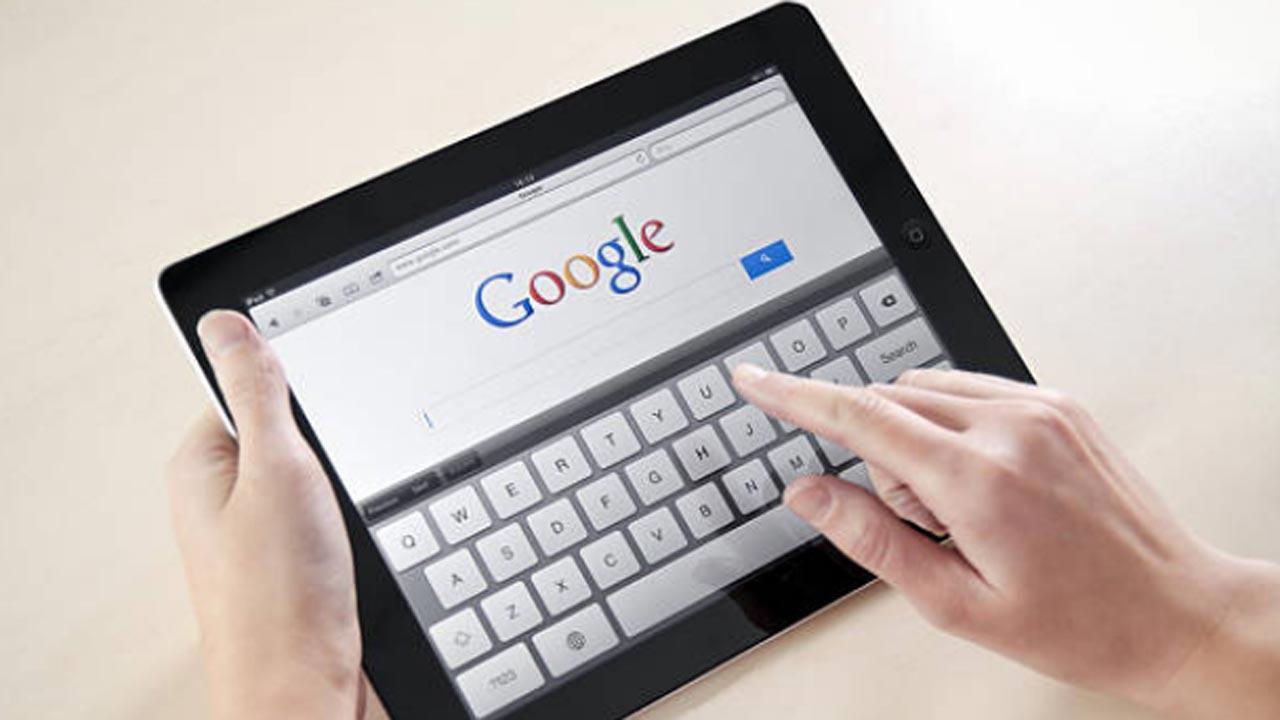
Image for representational purpose only. Photo: istock
With work-from-home and hybrid work becoming a reality, every tech company is looking to make the user experience better. In the latest update, tech giant Google has now announced that it is set to introduce new features for Workspace for larger Android screens. These include drag and drop, side-by-side view and keyboard shortcuts.
The company is going to make Google Workspace apps even better on Android's larger screens with updates to Google Drive, Docs, Sheets, Slides and Keep.
"At I/O, we shared plans to update more than 20 Google apps on tablets to take full advantage of the extra space on those bigger screens," Scott Blanksteen, senior director, Product Management, Android said in a blog post.
'Drag and drop files' feature lets users drag text or images from apps, such as Chrome or Sheets, and drop that content right into an existing document or spreadsheet cell.
Trending Stories
Latest Photos
Latest Videos
Latest Web Stories
ADVERTISEMENT

Ganeshotsav 2026

ADVERTISEMENT